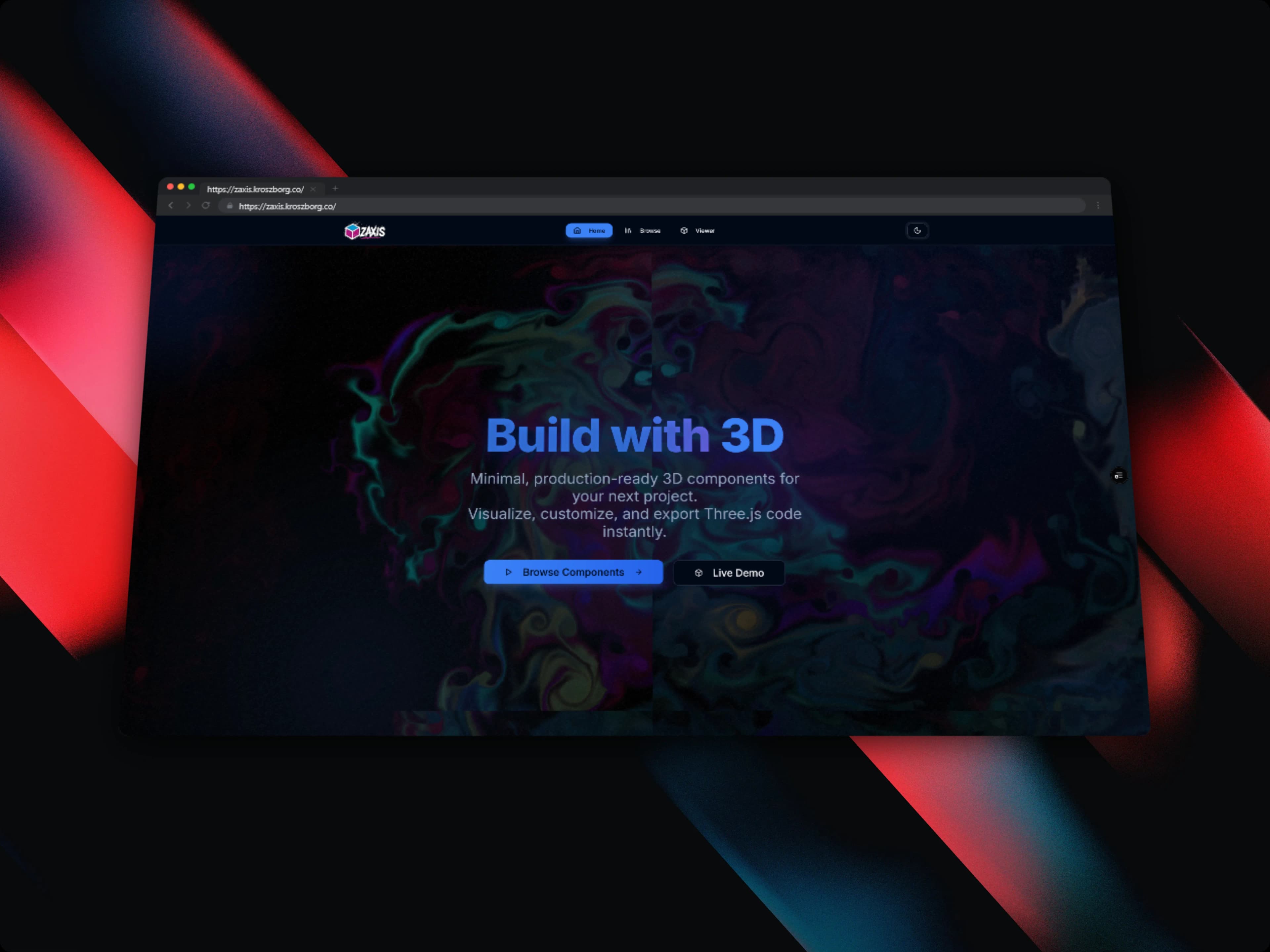
Drag & Drop Website / Form Builder
Visual layout builder using hierarchical tree state model, @dnd-kit engine, and real-time clean Tailwind CSS code generator.
Timeline
3 weeks
Role
Frontend & System Architect
Team
Solo
Status
In-progressTechnology Stack
Key Challenges
- Managing deeply nested tree-structure state updates without triggering cascading re-renders across un-dragged components
- Accurate pointer collision detection when dropping elements inside container components (Grid, Flexbox, Cards)
- Generating clean, readable, dependency-free React + Tailwind code from dynamic JSON node schemas
- Providing an unlimited undo/redo history stack without memory leaks
Key Learnings
- Designing immutable tree structures using Zustand with Immer patches
- Advanced collision detection strategies in @dnd-kit (pointerIntersection vs closestCorners)
- Abstract Syntax Tree (AST) code formatting and JSX string generation using Prettier standalone in the browser
Drag & Drop Website / Form Builder
Overview
Drag & Drop Website / Form Builder is a visual design tool that bridges the gap between Figma design prototypes and production-ready code. It allows developers and product managers to rapidly assemble responsive landing pages, interactive forms, and dashboard layouts by dragging and dropping pre-built component blocks onto an interactive canvas.
Unlike traditional site builders that output bloated, proprietary HTML or locked-in themes, this builder outputs clean, semantic React and Tailwind CSS source code that developers can immediately paste into their Next.js codebases.
Component Tree Architecture
The canvas canvas state is modeled as a normalized hierarchical tree. Each element on the canvas corresponds to a node with unique identifier, component type, layout properties, style attributes, and an array of child IDs:
┌─────────────────────────────────────────────────────────────┐
│                       Root Canvas Node                      │
│  ┌───────────────────────────────────────────────────────┐  │
│  │     Container (Flexbox Column, p-8, gap-6)            │  │
│  │  ┌─────────────────────────┐ ┌─────────────────────┐  │  │
│  │  │  Navbar (Flex Between)  │ │  Hero Section (Grid)│  │  │
│  │  │  - Logo                 │ │  - Heading (H1)     │  │  │
│  │  │  - Nav Links            │ │  - Subtext (p)      │  │  │
│  │  │  - CTA Button           │ │  - Primary CTA      │  │  │
│  │  └─────────────────────────┘ └─────────────────────┘  │  │
│  └───────────────────────────────────────────────────────┘  │
└─────────────────────────────────────────────────────────────┘
Key Technical Features
1. Robust Drag & Drop with @dnd-kit
- Leveraged
@dnd-kit/coreand@dnd-kit/sortablefor fluid, accessible drag-and-drop mechanics. - Implemented a hybrid collision detection algorithm combining
pointerIntersection(for drop target containers) andclosestCenter(for re-ordering sibling items within a container). - Visual drop indicator outlines provide clear feedback on whether an element will be nested inside a parent or placed before/after a sibling.
2. Normalized Immutable Tree State
- State is managed via Zustand combined with Immer. Storing nodes in a flat lookup table (
Record<string, CanvasNode>) eliminates deep traversal costs when updating a single component's style property. - Implemented an undo/redo history buffer using atomic state diffs, capping memory footprint while enabling 50+ steps of instantaneous rollback.
import { create } from 'zustand';
import { produce } from 'immer';

interface NodeState {
  nodes: Record<string, CanvasNode>;
  rootId: string;
  selectedId: string | null;
  updateNodeStyle: (id: string, styles: Partial<NodeStyles>) => void;
  moveNode: (activeId: string, overId: string, position: 'before' | 'after' | 'inside') => void;
}

export const useBuilderStore = create<NodeState>((set) => ({
  nodes: initialNodes,
  rootId: 'root',
  selectedId: null,
  updateNodeStyle: (id, styles) =>
    set(
      produce((state: NodeState) => {
        if (state.nodes[id]) {
          state.nodes[id].styles = { ...state.nodes[id].styles, ...styles };
        }
      })
    ),
  moveNode: (activeId, overId, position) =>
    set(
      produce((state: NodeState) => {
        // Precise tree re-parenting and index splicing logic
      })
    ),
}));
3. Real-Time Tailwind Code Generator
- Traverses the active component tree and serializes it directly into pure JSX.
- Automatically compiles visual style sliders (padding, margins, colors, flex align, borders) into valid Tailwind CSS utility classes.
- Integrated Prettier Standalone in a web worker to format the generated React code with correct indentation and syntax highlighting in real time.
4. Responsive Viewport Switcher
- Instant toggle between Desktop (1280px), Tablet (768px), and Mobile (375px) preview frames.
- Allows configuring responsive Tailwind prefixes (
md:,lg:) directly from the style inspector panel.
Tech Stack
| Layer | Technology |
|---|---|
| Framework | Next.js 15, React 19 |
| Language | TypeScript 5 |
| Drag & Drop Engine | @dnd-kit/core, @dnd-kit/sortable, @dnd-kit/utilities |
| State Management | Zustand with Immer middleware |
| UI & Controls | Tailwind CSS, shadcn/ui, Radix Primitives |
| Code Formatting | Prettier Standalone (Browser Web Worker) |
Results & Impact
- Rendering Efficiency: Isolated component render subscribers ensure 0 unnecessary re-renders during drag operations.
- Export Quality: Generates 100% valid, copy-pasteable React code with zero third-party dependencies required.
- Developer Velocity: Creates polished landing page mockups and forms 5x faster than manual coding.